Find any page you've visited. Instantly.
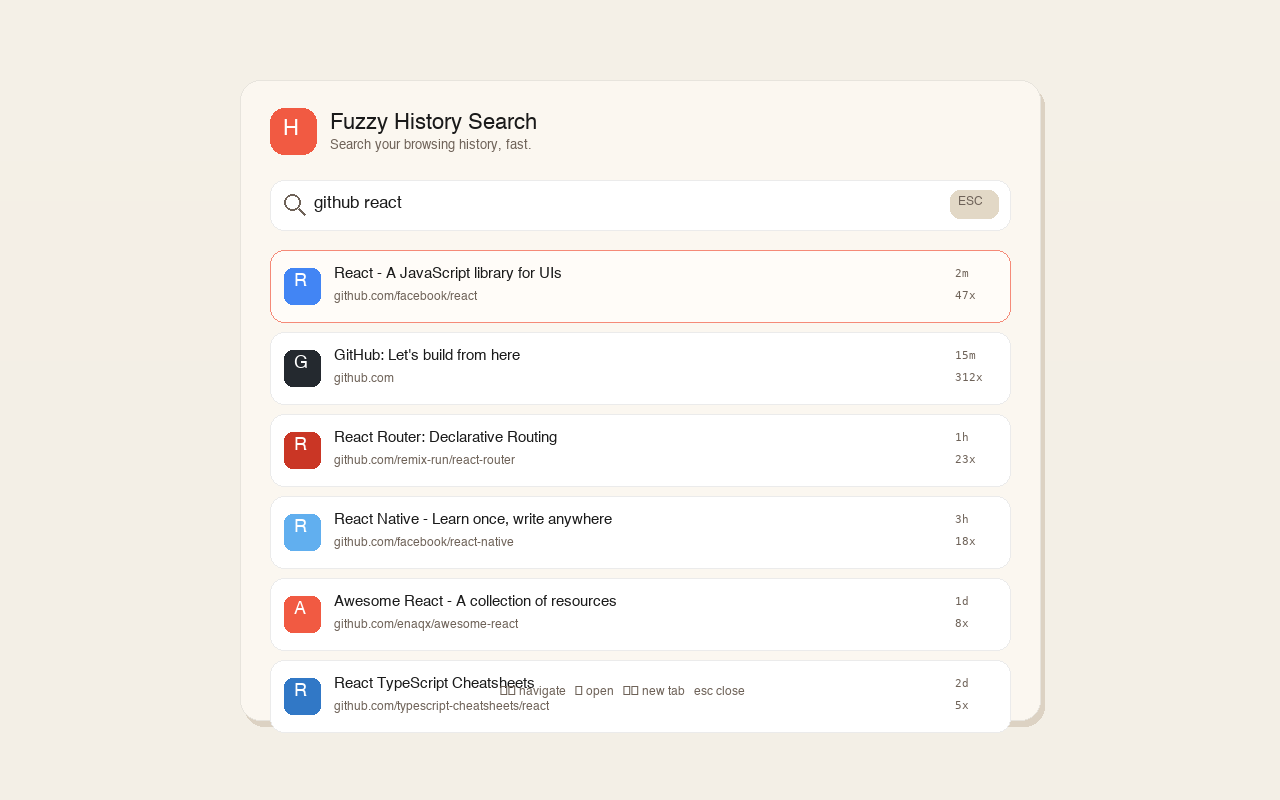
VS Code-style fuzzy search for your browser history. Type a few characters, find anything — titles, URLs, even partial matches.
Everything you need to search smarter
Three ways to search, one lightning-fast engine. Pick the mode that fits your workflow.
Omnibox Search
Type "h " in your address bar to instantly search history without leaving your workflow.
Overlay Panel
A sleek in-page overlay appears on top of your current tab. Search without context switching.
Popup Window
Click the toolbar icon or use a keyboard shortcut for a dedicated search popup window.
Smart Fuzzy Matching
Don't remember the exact name? Just type a few characters. Fuzzy matching finds it anyway.
Intelligent Ranking
Results ranked by recency, visit frequency, and match quality. The best match always comes first.
Keyboard-First
Navigate results with arrow keys, Enter to open, Escape to close. Your hands never leave the keyboard.
Up and running in seconds
No configuration needed. Install, and start searching.
Activate
Type "h " in the address bar, press Cmd+E (Mac) / Ctrl+Shift+E (Windows), or click the toolbar icon.
Search
Start typing. Fuzzy matching instantly filters through your entire browser history.
Navigate
Use arrow keys to pick a result, press Enter to open it. That's it.
Keyboard Shortcuts
| Activate omnibox search | h + Space |
| Open overlay / popup | Cmd+E / Ctrl+Shift+E |
| Navigate results | ↑ + ↓ |
| Open selected page | Enter |
| Close overlay / popup | Esc |
| Open in new tab | Cmd+Shift+Enter / Ctrl+Shift+Enter |
See it in action
Three modes, one consistent experience. Pick your favorite.
Popup Window
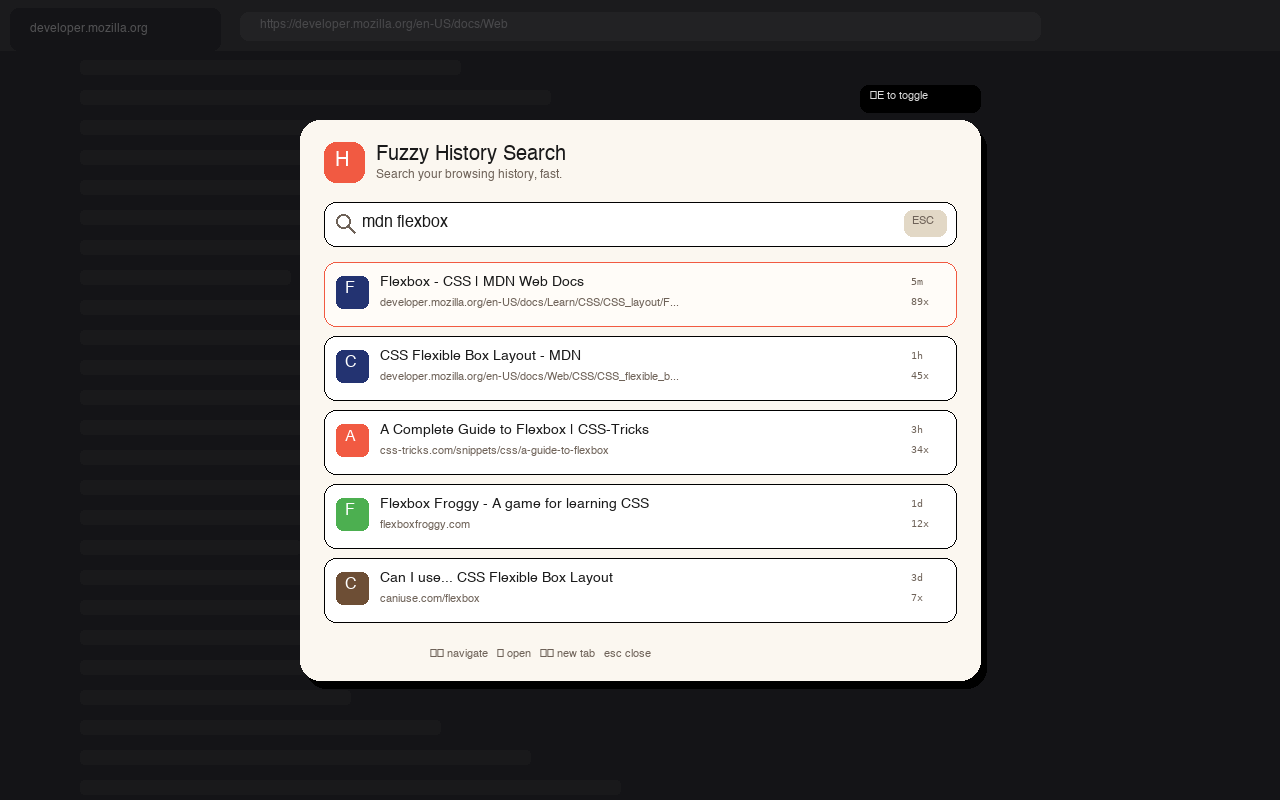
Overlay Panel
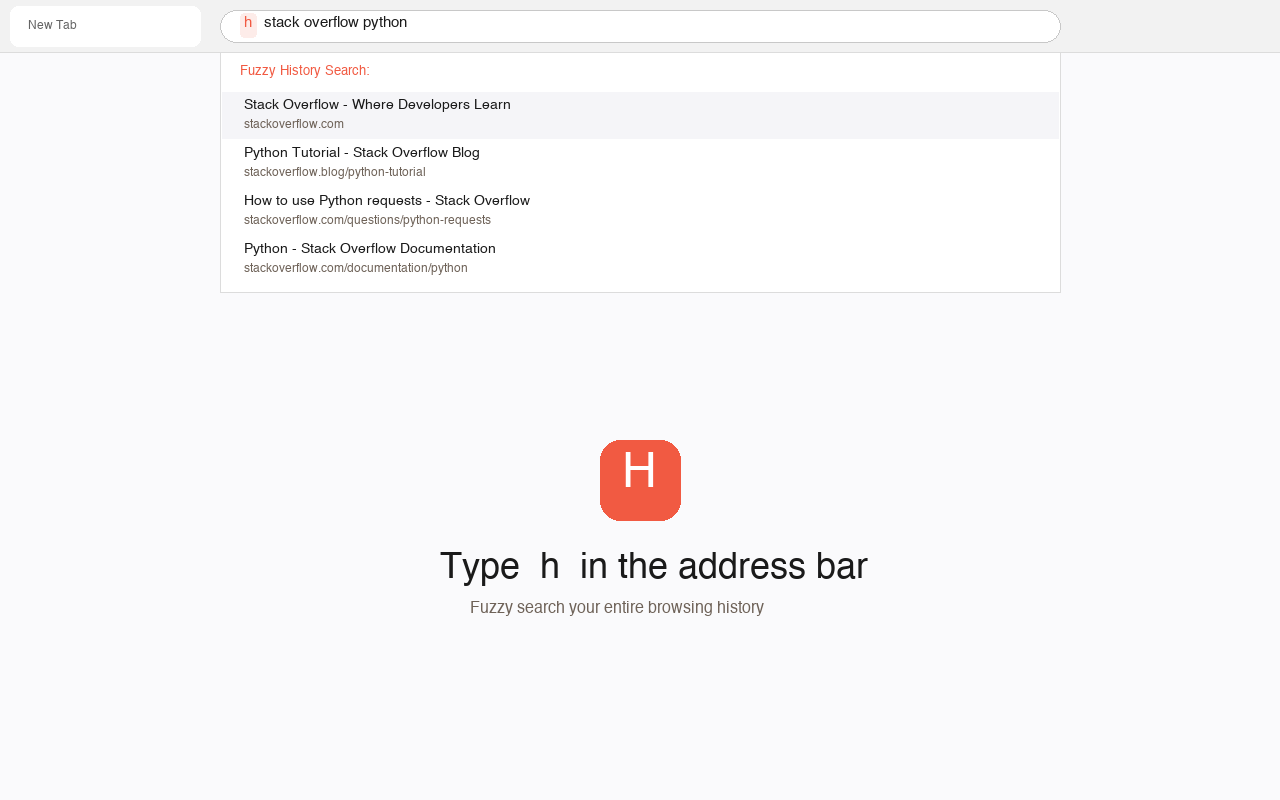
Omnibox Search
Your data stays on your device. Period.
Fuzzy History Search uses only the browser's built-in History API. Nothing leaves your computer.
Ready to search smarter?
Install in one click. Free, open source, and private by design.